Chrome Extensions Hijacked Search for 13.4 Million Users: What Happened and How to Check Your Browser
Security researchers found 319 extensions that quietly changed the default search engine and sent every query through the operator's servers. What is confirmed, what is not, and a two-minute check.

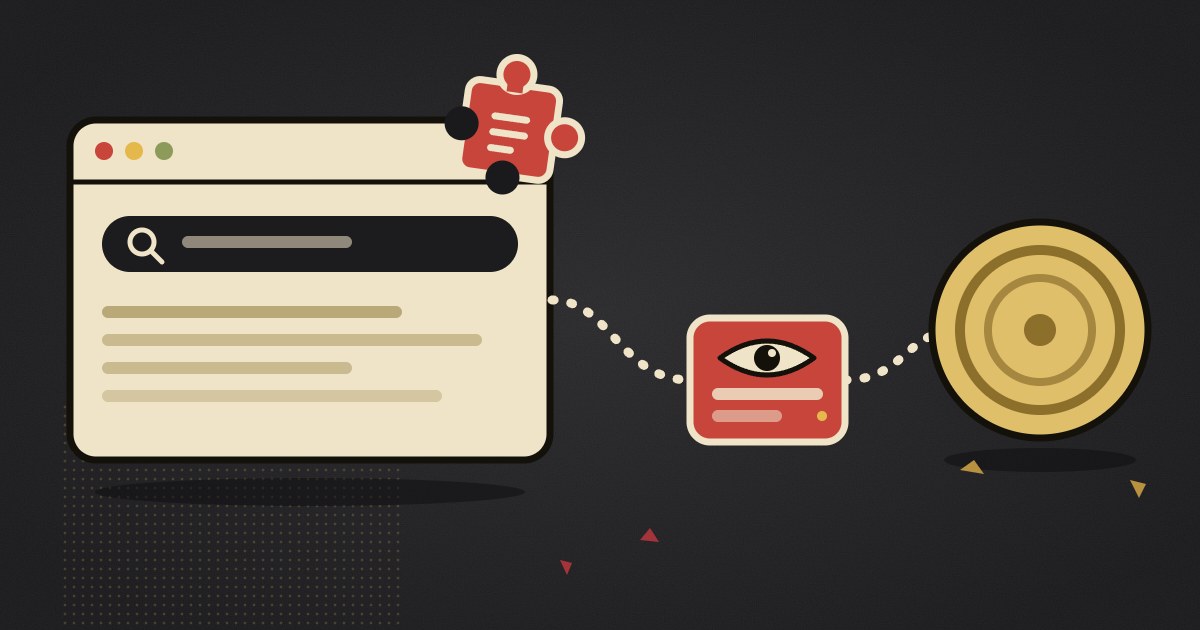
Socket researcher John Tuckner has documented 319 Chrome extensions that changed the default search engine in users' browsers and sent every search through servers run by the extension's operator before the results appeared. The extensions report a combined 13.4 million installs. Their operators were paid referral fees by Yahoo or Bing for the traffic.
It is a search hijack, not a ransomware attack or a stolen password database, and so far there is no public evidence of stolen files or installed malware. It still matters, because a search box is where people type health questions, money worries and workplace problems. This article sets out what was found, what the extensions could and could not do, and how to check your own browser in about two minutes.
The short version
- Socket found 319 extensions with about 13.4 million reported installs. BleepingComputer reported the findings on 29 October 2026.
- The new report builds on Tuckner's April 2025 finding of 57 extensions with 6 million users. It adds 264 extensions and about 8.7 million users.
- The extensions replaced the default search engine and routed queries through the operator's proxy before sending them to Bing or Yahoo. The operators earned referral payments.
- They were disguised as PDF converters, manual finders, "safe search" tools and "AI search" tools, and were promoted through ads.
- Socket did not find evidence that searches were redirected to phishing or malware pages. It warns that the destination could change at any time.
- The 13.4 million figure is a cumulative total over roughly a decade, not the number of people affected this week.
- Check chrome://extensions and the default search engine setting. Instructions are below.
What the researchers found
In April 2025 Tuckner described 57 extensions with about 6 million users that behaved this way. The October 2026 report widens the picture. It adds 264 extensions with about 8.7 million users, for a total of 319 and 13.4 million.
BleepingComputer describes two large clusters. One, labelled "Bing-Search", has 37 extensions and about 2.2 million users and was often promoted through ads from a network called Bidbrain. The other, "SecuryBrowse", has 58 extensions and about 4.9 million users, and uses security-themed names such as Fire Shield, Securify and WatchTower.
Most of the extensions had already been removed from the Chrome Web Store by the time of publication. New ones keep appearing. BleepingComputer asked Google for comment and had not received a reply when it published.
How the hijack worked
A single manifest setting
Chrome lets an extension declare a replacement search provider through a manifest field called chrome_settings_overrides. The field exists for legitimate search tools. The campaign used it as the whole attack. Socket noted that one example had only a manifest and icons, with no background scripts, no content scripts and no requested permissions. An extension like that can look harmless in a review of what it is allowed to do.
The detour
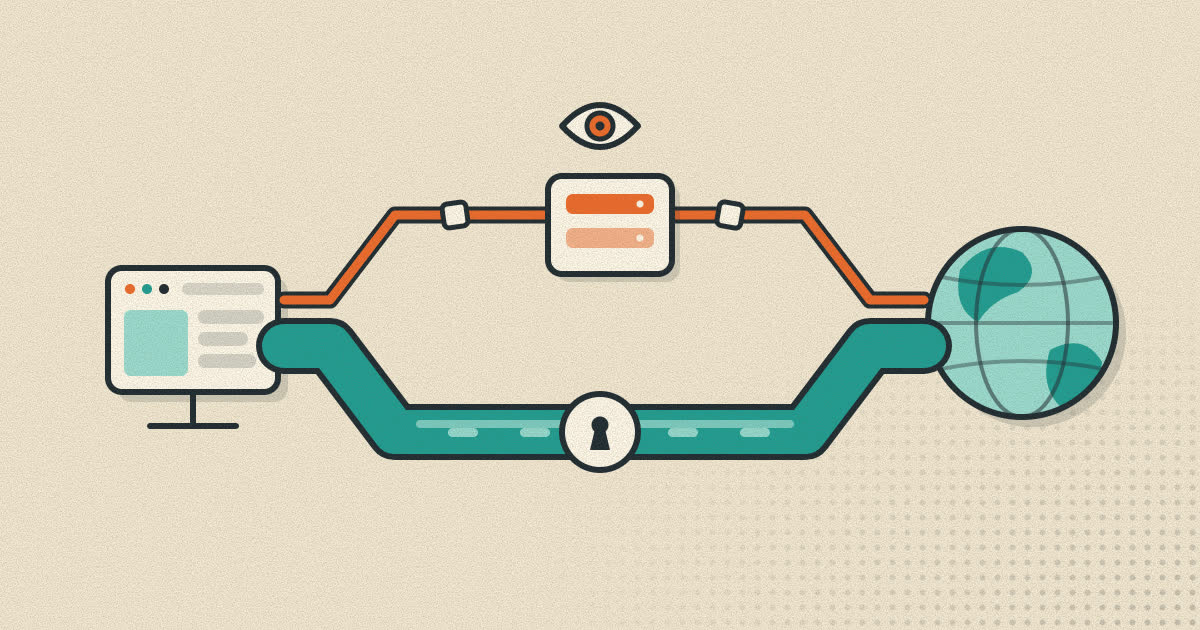
Once the extension is installed, a search typed in the address bar goes first to a server controlled by the operator. That server passes the query on to Bing or Yahoo, tagged with a partner identifier that tells the search engine whom to pay. Tuckner ties the revenue to a syndication partner ID, which is how these referral programs normally track traffic.
In one of his tests, an extension called Predator Search sent six identical searches to four different places: Yahoo with partner tags, a landing page on searchlio.net, a chain through searchtosearch.com to another domain, and a Cloudflare error page. The same search did not always lead to the same result.
How people ended up installing them
The extensions presented themselves as PDF converters, manual finders, safe-search tools and AI search tools. Most were unlisted in the Chrome Web Store, which means they did not appear in store search results and could only be installed through a direct link. Ads sent people to those links. Malwarebytes says the ads ran on networks that include Google Ads.
What the risk actually is
Malwarebytes quotes Socket on the main risk: the operators could see what users searched for. Queries were often tied to a unique identifier, which would let an operator link searches from the same browser over time. A person's searches can reveal medical concerns, finances and workplace issues.
The second risk is the destination. Because the redirect sits on the operator's server, the page a user lands on can change without any extension update. Socket said it did not find evidence that the extensions had sent users to phishing or malware sites. It treats the behaviour as closer to a potentially unwanted program than to malware, but says the risk of malware remains.
| Claim | What the reporting supports |
|---|---|
| 13.4 million people were infected | Not quite. It is the combined reported install count over about a decade, not the number of people newly affected this week. |
| The extensions stole passwords | No such finding has been reported. |
| The extensions saw search queries | Yes. Queries went through operator-controlled servers. |
| Users were sent to malware pages | Socket found no evidence of it, but the destination could be changed at any time. |
| The problem is over | No. Many of the listed extensions are gone, but new ones keep appearing. |
How to check your browser
Malwarebytes recommends three checks. They take a few minutes and work the same way in other Chromium-based browsers, with a different address at the start.
- Review your extensions. Type
chrome://extensionsin the address bar. In Microsoft Edge the address isedge://extensions, and in Brave it isbrave://extensions. Remove anything you do not recognise, no longer use or do not trust. If you are unsure about one, compare it with the list at the end of Socket's report. - Check your search engine. Open the three-dot menu, choose Settings, then Search engine, and confirm the default is the one you picked. If the page says an extension controls this setting, open that extension and remove it.
- Run a security scan. Use an antivirus or anti-malware tool you already trust to look for other unwanted software.
Do not treat a missing warning as proof of safety. Malwarebytes points out that the absence of a notice about an extension controlling a setting does not mean your extensions are clean.
Signs that something changed
- Your default search engine changed and you did not change it.
- Results look unfamiliar, or a search leads to a site you did not expect.
- The extension list contains tools you do not remember installing.
- You installed a "PDF", "manual" or "safe search" tool after clicking an ad.
Habits that reduce the risk
- Treat an ad for an extension as a warning sign. The campaign relied on advertising. A legitimate tool rarely needs it.
- Install only what you use. Each extension is code that runs inside your browser with access you granted once and may have forgotten.
- Look at the publisher, the install history and the reviews, and remember that a tool can sit in the official store for a long time before it is removed.
- Review your extension list and default search engine every few months. The two screens above take a minute.
- Keep work and personal browsing apart. A separate browser profile for work and money limits what a single bad extension can see. The reasons are covered in the profiles guide.
- Know who can see your searches. The same logic applies to proxies and VPN services. The proxy and VPN comparison explains what each one can and cannot hide.
Where Rapid+ fits
We build Rapid+ Browser, so the relevant fact is plain. Rapid+ for Android and Windows does not run browser extensions. This kind of hijack cannot arrive through an extension store because the feature does not exist. That is a limit as well as a protection, since you cannot add the tools that extensions provide. The search engine is set in Settings, and a change there is made by you. Rapid+ also has a built-in ad and tracker blocker, so there is less reason to install a separate blocking extension. None of this replaces the habits above on the computers and browsers where you do use extensions.
Frequently asked questions
How many Chrome extensions were involved?
Socket researcher John Tuckner documented 319 extensions with about 13.4 million reported installs. That includes 57 extensions from his April 2025 report and 264 newly identified ones.
What did the extensions do?
They replaced the browser's default search engine and sent searches through servers controlled by the operator before passing them to Bing or Yahoo. The operators earned referral payments for the traffic.
Were passwords or files stolen?
No theft of passwords or files has been reported. Socket says it found no evidence that searches were redirected to phishing or malware pages, though the redirect could be changed at any time.
Does this affect browsers other than Chrome?
The extensions were found in the Chrome Web Store. Other Chromium-based browsers, such as Edge and Brave, can install Chrome extensions, so it is sensible to check the extension list there too. Reports in this campaign focus on Chrome.
I removed the extension. Is my browser clean?
Check that the default search engine is back to the one you chose and run a scan with a security tool you trust. Search results that still look unfamiliar are a reason to look further.
Sources
- BleepingComputer: Chrome extensions with 13.4 million installs caught hijacking searches (29 Oct 2026)
- Malwarebytes: Fake PDF and search tools hijacked searches for 13.4 million Chrome users (Oct 2026)
- eSecurity Planet: Researchers uncover 319 Chrome extensions hijacking search traffic
- Gridinsoft: Searchjacked, hidden Chrome extensions put a proxy between you and search
- browsers.to: This week in browsers (1 Nov 2026)
- Socket's own report (the full extension list) is linked from the BleepingComputer and Malwarebytes articles above.
Written by the Rapid+ Team. We build Rapid+ Browser for Android and Windows. Spotted a mistake or have a question? Email us at admin@rapidplusbrowser.online.