Browser Fingerprinting: How Websites Recognize You Without Cookies
Nothing is stored on your device, so there is nothing to clear. Here is what fingerprinting measures, how well it works in practice, and what helps.

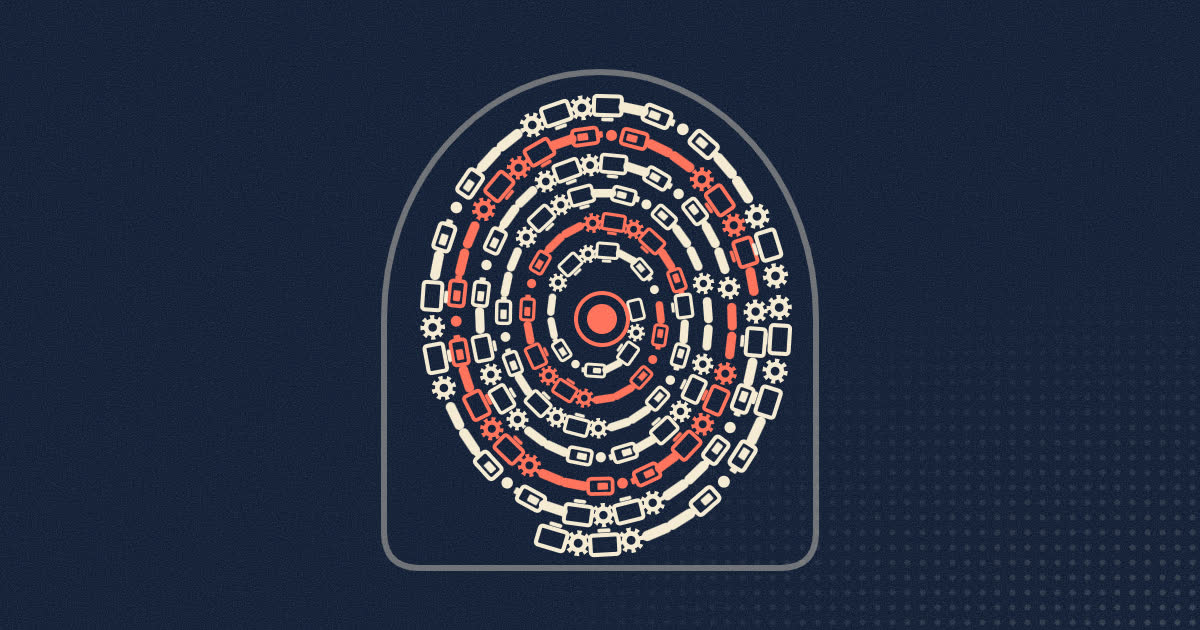
Clearing your cookies used to be the way to start fresh with a website. It still matters, but it is no longer the whole story. A fingerprinting script can recognize your browser by measuring it: the screen size, the fonts you have installed, your graphics hardware, your time zone and language, and small differences in how your machine draws text and processes sound. Nothing is saved on your device, so there is nothing to delete.
This article explains what a fingerprint is made of, what the research says about how identifying it really is, how often it shows up on real websites, and which defenses make a difference.
What a browser fingerprint is
A fingerprint is a set of facts about your browser and device that, taken together, are rare enough to tell you apart from most other visitors. No single fact is special. Plenty of people use Chrome on Windows with an English interface and a 1920 by 1080 screen. The trick is in the combination. Once you add the time zone, the exact list of fonts, the graphics card and a few dozen other values, the group of browsers that match yours can shrink to one.
The attributes fall into two groups.
Passive signals
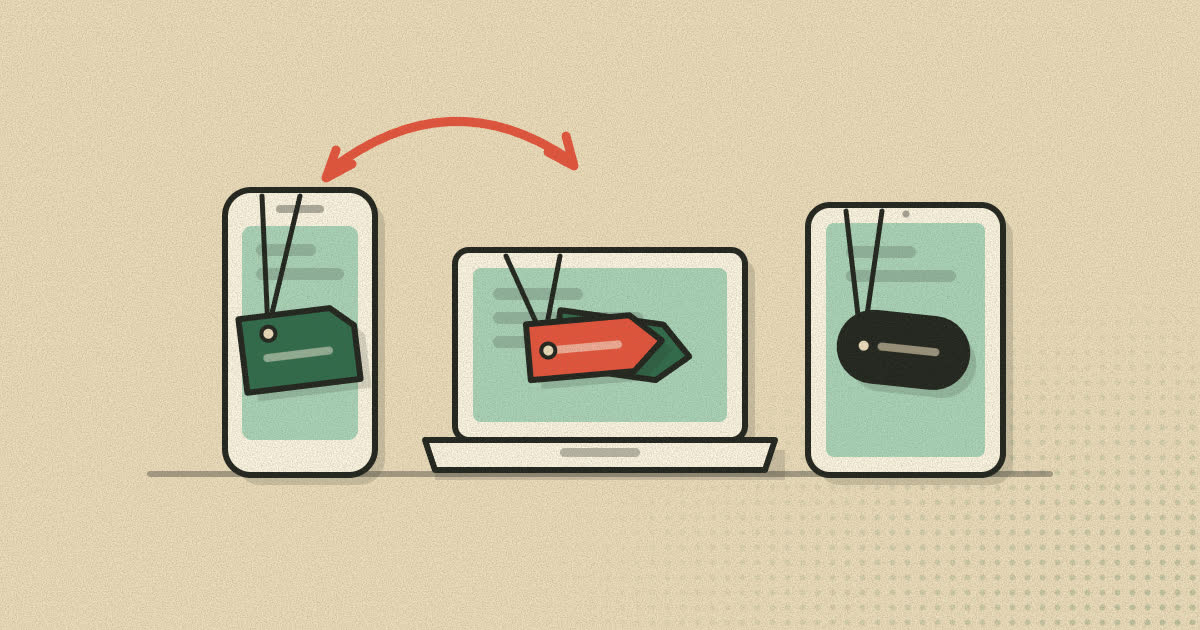
These arrive with every request, whether or not a page runs any script. They include your IP address, the User-Agent header that names your browser and operating system, the Accept-Language header that lists your preferred languages, and the other headers your browser sends by default. Our article on the user agent string covers the first of those in detail.
Active signals
These require JavaScript on the page to go and collect them. Common ones include:
- Screen and window: resolution, available space, color depth and pixel density.
- Hardware hints: the number of processor cores and, in some browsers, an approximate amount of memory.
- Locale: the time zone reported by the system and the date and number formats it uses.
- Fonts: a script draws the same text in a long list of font names and measures the width of each result. A width that differs from the fallback font means that font is installed.
- Canvas: the script draws text and shapes into a hidden canvas element and reads the pixels back. Graphics drivers, font rendering and anti-aliasing all leave tiny differences, so the image hashes to a value that varies between machines.
- WebGL: the 3D graphics interface can report the graphics vendor and renderer, and rendered scenes vary between graphics stacks the same way canvas output does.
- Audio: the Web Audio API can generate a tone with an oscillator, run it through processing nodes, and hash the output. Differences in audio processing between systems change the result.
None of these were designed for tracking. Each exists so that pages can lay themselves out, pick a language or draw graphics. Fingerprinting simply reads them all at once.
How unique are browsers, really?
Three large studies give a useful picture, and they do not all agree, which is itself informative.
The 2010 EFF study
Peter Eckersley at the Electronic Frontier Foundation ran the first large experiment through a test site called Panopticlick. Over two weeks it collected roughly 470,000 fingerprints from visitors who chose to take part. 83.6% of them were unique in the sample. Among browsers with Flash or Java installed, which exposed the full list of system fonts, 94.2% were unique. The paper is often credited as the first to use the term browser fingerprinting.
The 2016 AmIUnique study
Researchers Pierre Laperdrix, Walter Rudametkin and Benoit Baudry collected 118,934 fingerprints over a year through a site called AmIUnique, using 17 attributes including canvas and WebGL. Around 90% of desktop fingerprints were unique. Mobile fingerprints were somewhat less distinctive, but still around 81% unique.
The 2018 large-scale study
The same research group then partnered with one of the 15 most visited websites in France and analyzed 2,067,942 fingerprints from its ordinary visitors. Only 33.6% were unique. Among mobile visitors, fewer than one in five were.
Why the drop? The earlier studies relied on people who went out of their way to visit a privacy test site, and those people tend to run unusual setups. Plugins such as Flash and Java, which leaked a lot, had also largely disappeared by 2018. Writing about the result for Princeton's Center for Information Technology Policy, Arvind Narayanan argued that the early numbers had overstated how well fingerprinting works, and that browsers could realistically reduce it further.
The same paper made a less comforting point. Fingerprints that are not unique tend to be fragile. Change a few attributes, by installing a font or updating a driver, and a browser that was hiding in a crowd can become one of a kind.
How common is it on real websites?
In 2016, Steven Englehardt and Arvind Narayanan crawled the top one million websites with an instrumented browser. They found canvas fingerprinting on 14,371 sites, served by scripts from about 400 different domains, which works out to nearly 1.5% of the sites they measured. They also found a canvas based font fingerprinting technique on 3,250 sites, and documented audio fingerprinting through the AudioContext interface in the wild for the first time.
Fingerprinting is not only used for advertising. Banks and online stores use it to notice when a login comes from an unfamiliar device. Bot detection services use it to tell scripted browsers from real ones. The difficulty for an ordinary visitor is that the same script can serve either purpose, and there is no way to tell from the outside which one it is doing.
Why clearing cookies does not help
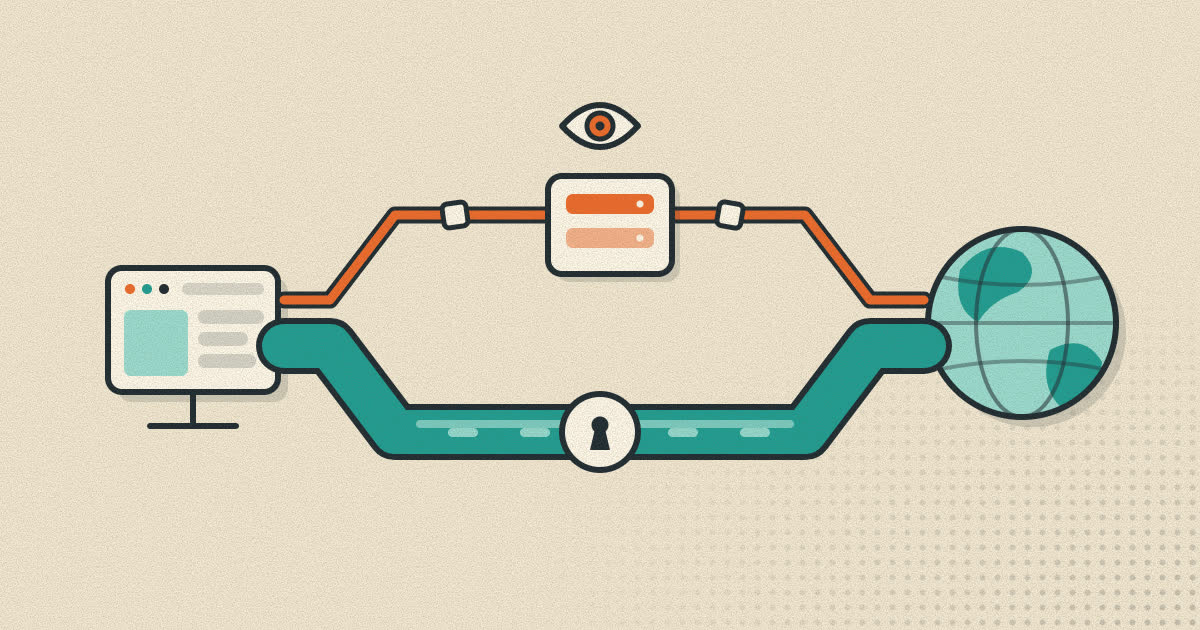
A cookie is something a site stores and reads back. You can see it, delete it, or block it. A fingerprint is computed fresh on every visit from properties the browser already exposes. Deleting cookies, opening a private window or switching to a new browser profile on the same device leaves most of those properties unchanged: the screen, the graphics card, the fonts and the time zone are all still there.
That does not make cookie controls pointless. They still stop the easiest and most reliable form of tracking. It just means they are one layer, not the whole defense.
What actually reduces fingerprinting
Browser makers have settled on two broad strategies, which pull in opposite directions. One makes everyone look the same. The other makes everyone look different every time.
Blending in
Tor Browser is the clearest example of the first approach. The Tor Project describes it as "specifically engineered to minimize the uniqueness of each user's fingerprint." Its users get the same set of values for as many attributes as possible. Even the window size is controlled: the browser starts with a content area rounded to a multiple of 200 by 100 pixels, and a feature called letterboxing adds margins when the window is resized so the reported size stays in a small number of buckets. The project also explains why it limits user choice, since "any option to choose would only make users more unique."
Firefox takes a lighter version of the same path. It blocks scripts from Disconnect's list of known fingerprinters by default, and in private windows or with Enhanced Tracking Protection set to Strict it also limits the information exposed to suspected fingerprinters. Mozilla warns that these protections can occasionally break a site, and that turning protection off for that site fixes it.
Randomizing
Brave chose the opposite approach in 2020. It adds small amounts of random noise to the output of canvas, WebGL and audio APIs. The changes are invisible to people but change the hash. The important detail is that the noise differs between websites and between browsing sessions, so one site cannot use the value to link you to your activity on another, and a site cannot link today's visit to last week's. Brave's reasoning was that making every browser identical is unrealistic because the fingerprinting surface is so large.
Shrinking what browsers reveal
The third front is quieter. Browser makers have been reducing the detail they expose by default. Chrome's user agent string no longer carries the full version number or, on Android, the phone model. The W3C publishes guidance for authors of new web standards on how to avoid adding fresh fingerprinting surface in the first place.
Blocking the scripts
Finally, a tracker blocker that stops known fingerprinting domains from loading prevents the measurement from happening at all on pages that use those services. This does nothing against a site that runs its own fingerprinting code, but it covers the large third-party providers.
Things that make you easier to fingerprint
- Unusual configurations. Rare fonts, a rare screen size or an uncommon language list all narrow the crowd you belong to.
- Many extensions. Some extensions change pages in ways a script can detect, and a particular combination of them can be distinctive.
- Inconsistent spoofing. Changing only your user agent can backfire. A browser that claims to be Safari on a Mac while reporting a Windows font list and an Android graphics driver is more unusual than one that tells the truth.
- Too many tweaks. The Tor Project's point applies everywhere: every setting you change away from the default is another thing that separates you from other people.
How to check your own browser
You can see what a fingerprinting script sees by visiting a test site. The EFF's Cover Your Tracks, the successor to the original Panopticlick, runs a set of common fingerprinting tests and compares the result with other recent visitors to the site. It reports how many bits of identifying information each attribute carries and whether your overall fingerprint looks unique. AmIUnique, run by the research group behind the 2016 study, does something similar and shows how each value compares with its own dataset.
Read the results with the earlier caveat in mind. Visitors to these sites are self-selected and unusually privacy minded, so being unique among them is not the same as being unique among everyone. The useful part is the breakdown. If one attribute, such as a rare font list or an unusual screen size, carries far more information than the rest, that is the thing worth fixing.
A practical checklist
- Keep your browser updated, since vendors keep reducing what they expose.
- Turn on the anti-tracking features your browser already has before reaching for extra tools.
- Keep extensions to the ones you actually use.
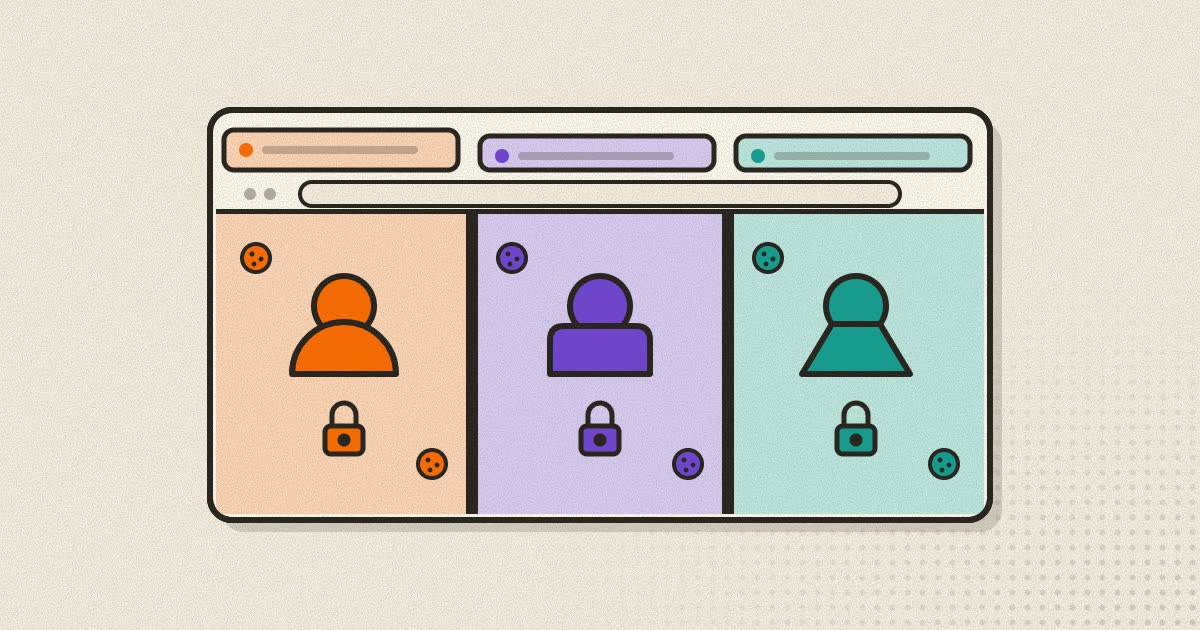
- Use separate browser profiles for separate identities. Profiles do not change your hardware fingerprint, but they keep logins and cookies apart, which removes the strongest link between them.
- If you need a different IP address for one profile, a proxy or VPN handles that part, though it does not change the fingerprint either.
- Test your setup on EFF's Cover Your Tracks site to see which attributes stand out.
A note on Rapid+
Rapid+ Browser includes a built-in ad and tracker blocker that stops requests to known tracking domains, and it keeps each profile's cookies, logins and history separate. It does not claim to make you impossible to fingerprint, and no browser honestly can. You can read about these features on the features page.
Sources
- Eckersley, How Unique Is Your Web Browser? (EFF, PETS 2010)
- Laperdrix, Rudametkin, Baudry, Beauty and the Beast: Diverting modern web browsers to build unique browser fingerprints (IEEE S&P 2016)
- Gómez-Boix, Laperdrix, Baudry, Hiding in the Crowd: an Analysis of the Effectiveness of Browser Fingerprinting at Large Scale (WWW 2018)
- Princeton CITP: Against privacy defeatism, why browsers can still stop fingerprinting
- Englehardt and Narayanan, Online Tracking: A 1-million-site Measurement and Analysis (CCS 2016)
- Tor Project: Anti-fingerprinting
- Mozilla Support: Firefox's protection against fingerprinting
- Brave: Fingerprint randomization
- W3C: Mitigating Browser Fingerprinting in Web Specifications
- EFF: Cover Your Tracks
- AmIUnique
Written by the Rapid+ Team. We build Rapid+ Browser for Android and Windows. Spotted a mistake or have a question? Email us at admin@rapidplusbrowser.online.