Do Ad Blockers Make Pages Load Faster? What the Measurements Show
Ads and trackers are a big share of what many pages download. What researchers measured, how blocking works, and what it costs.

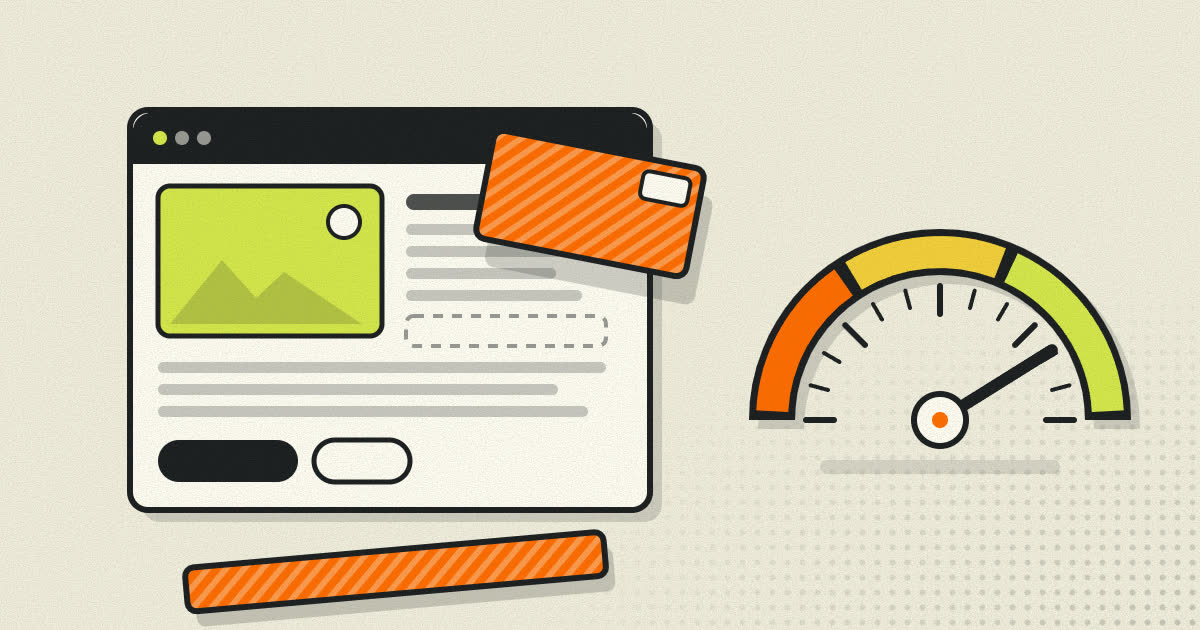
The first thing many people notice after turning on an ad and tracker blocker is not the missing ads. It is that pages finish loading sooner and stop jumping around while they do. That impression is backed by measurements, though the size of the effect depends a great deal on the site you are looking at.
This article looks at what a typical page actually loads, what researchers measured when they blocked ads and trackers, how blocking works, and what you give up in return.
What a modern page actually loads
When you open a news article, the article text is usually the smallest part of the job. The page also pulls in scripts, images and frames from other companies: ad networks, analytics services, consent banners, video players, chat widgets and social buttons. These are called third parties, because they come from domains other than the site you visited.
The HTTP Archive measures this every year by crawling millions of pages. In its 2024 Web Almanac:
- 92% of pages loaded at least one third party.
- The median page among the top thousand websites used 66 different third parties. Across the top million it was 27.
- Scripts made up the largest share of third-party requests at 30.5%, followed by images at 26.0%.
- Nearly a third of third parties served advertising, analytics or consent management.
Each of those third parties costs something. The browser has to look up a new domain name, open a new connection, download the file, and for scripts, parse and run the code. A script can then load more scripts of its own, so one ad slot can turn into a chain of requests to companies you have never heard of.
What happens when one ad loads
It helps to follow a single ad slot from start to finish, because the chain is longer than most people expect.
- The page loads the publisher's ad script, usually from an ad platform's domain.
- That script often runs an auction. It asks several ad exchanges at once what they will pay to show something to this visitor, sending along whatever it knows about the page and the browser.
- Each exchange may consult its own partners before answering, which means more requests to more domains.
- The winning bid returns an ad, which might be an image, a block of HTML or a video player.
- The ad itself frequently loads more scripts: one to confirm the ad was actually visible, one to count the impression for the advertiser, one or two tracking pixels for audience building.
None of this is visible to you. You see one rectangle. Behind it, the browser may have contacted a dozen companies and run several scripts on your phone's processor. Multiply that by the number of ad slots on a long article and the numbers in the Web Almanac start to make sense.
What the measurements found
The Firefox Tracking Protection study
The most cited controlled measurement comes from a 2015 paper by Georgios Kontaxis and Monica Chew, written while Firefox was preparing its Tracking Protection feature. They loaded the 200 most popular news sites, as ranked by Alexa at the time, with and without Tracking Protection, which blocks requests to domains on a list of known trackers.
With protection on, they measured:
- a median 44% reduction in page load time,
- a median 39% reduction in data used, and
- a 67.5% reduction in the number of HTTP cookies set during the crawl.
Those are medians across sites. Some pages barely changed. Others got dramatically faster.
The New York Times mobile test
Later that year The New York Times loaded the mobile home pages of 50 news sites with and without an ad blocker and compared the data used. Across the pages tested, more than half of all data came from ads and other content that ad blockers filter out. The results varied widely between sites, which is the same pattern the Firefox study found.
Reading these numbers carefully
Both studies are from 2015 and focus on news sites, which have always been among the heaviest users of advertising. The web has changed since then. Pages are larger overall, some publishers have trimmed their ad stacks, and browsers have added protections of their own. It would be wrong to promise you a 44% speedup on every site. A page built without heavy advertising, such as a documentation site or a small blog, has little to remove and will load about the same either way. What the research does show, consistently, is that on ad supported pages, third-party advertising and tracking code is a large share of the work, and removing it saves real time and data.
Where the time goes
Blocking helps in several different ways at once.
- Fewer network round trips. Every blocked domain is a lookup and a connection that never happens.
- Less JavaScript on the main thread. Scripts have to be parsed and run on the same thread that responds to your taps and scrolls. On a budget phone this is often a bigger cost than the download itself.
- Fewer layout jumps. Ads that load late push the text you are reading down the page. Without them, the layout settles sooner.
- Less data on metered plans. On a prepaid mobile plan, every megabyte of video ad you did not ask for comes out of your allowance.
How blocking works
Filter lists
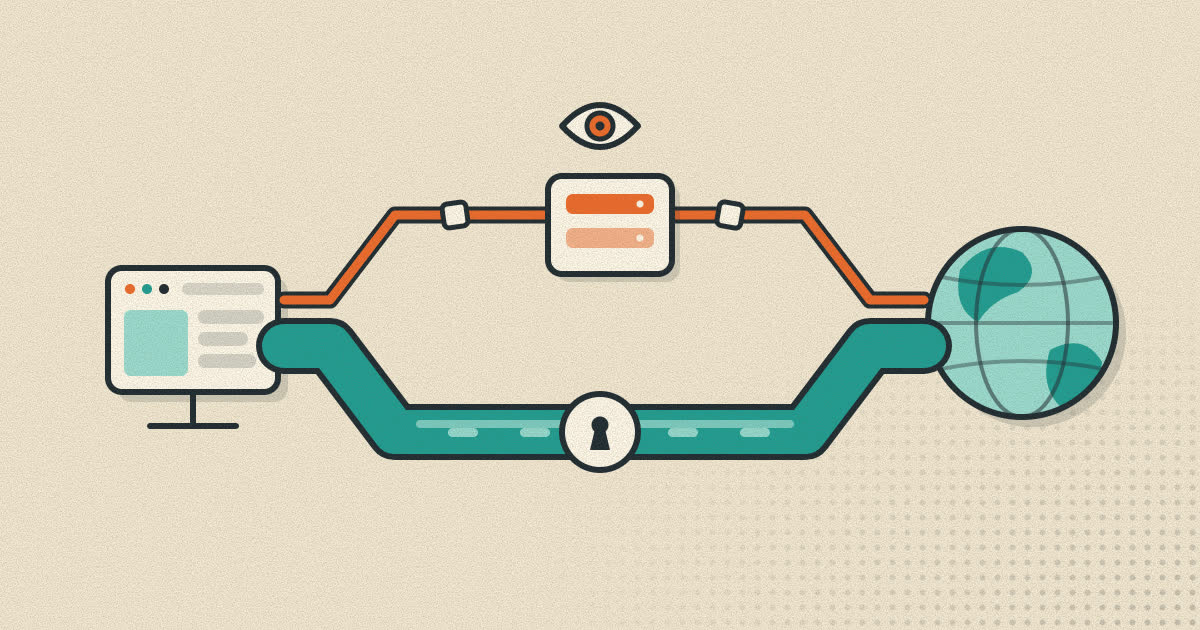
Most blockers rely on filter lists: large, community maintained collections of rules. Some rules match request addresses, so the browser never sends the request. Others are cosmetic rules that hide the empty boxes and leftover page elements an ad would have filled.
Built into the browser
Several browsers now block trackers without any extension. Firefox's Enhanced Tracking Protection blocks social media trackers, cross-site tracking cookies, fingerprinters and cryptominers by default. Built-in blocking runs inside the browser itself, so it does not depend on what the extension system allows.
At the network level
Some people block at the DNS level, with a home server or a filtering DNS service that refuses to resolve known ad domains. This covers every device on the network, including smart TVs and apps. The tradeoff is precision: it can only block whole domains, it cannot hide the empty space an ad leaves behind, and it cannot touch ads served from the same domain as the content.
The Chrome extension change
Extension based blocking in Chrome changed significantly with Manifest V3. The older extension platform let blockers inspect each request with the webRequest API and decide whether to cancel it. Manifest V3 moves that decision into the browser through a declarative rules system. Google's published timeline shows Manifest V2 extensions disabled for all Chrome users from Chrome 138 in July 2025, after a gradual rollout that began in late 2024.
The most popular blocker, uBlock Origin, depended on the older API. Its author released a separate Manifest V3 version, uBlock Origin Lite, and its FAQ explains some of the limits: the declarative system cannot enforce rules according to the address shown in the address bar, so certain capabilities of the original cannot be carried over.
The tradeoffs
Some sites break
Blocking a script a page depends on can break a login button, a video player or a checkout. Mozilla notes that its Strict tracking protection mode may cause breakage on some sites. Every good blocker lets you switch it off for a single site, and that is usually the fix.
Publishers lose income
Much of the free web is paid for by advertising. If you rely on a site, consider allowing it in your blocker or supporting it directly. Blocking trackers while allowing ordinary ads is a reasonable middle ground on sites you want to support.
Blockers are only as good as their lists
New ad and tracking domains appear all the time. A blocker with stale lists catches less, and a first-party tracker served from the site's own domain may slip through any list based approach.
Why phones feel it most
On a fast laptop with a wired connection, a page full of trackers might load in a second or two either way, and the difference is easy to miss. On a mid-range phone on a weak mobile signal, the same page has a slower processor running the scripts and a slower, less reliable network fetching them. Every extra connection costs more time, and every script takes longer to run while the page stays unresponsive. The same blocklist that saves a fraction of a second on a desktop can save several seconds on a phone, along with a noticeable share of a small data allowance.
Choosing a blocker
A few questions separate a good choice from a poor one:
- Who maintains the lists, and how often are they updated? A blocker is only as current as its rules.
- Can you turn it off for one site in a couple of taps? You will need this sooner or later.
- Does it block trackers as well as ads? For speed and privacy, the tracking scripts matter as much as the ads themselves.
- Does it depend on an extension platform that may change? The Chrome change above is a reminder that extension capabilities are decided by the browser maker.
- What does the blocker itself collect? Some extensions have been sold or changed hands over the years. Prefer ones with a clear owner and a clear privacy policy, or blocking built into a browser you already trust.
How to measure it yourself
You do not have to take anyone's word for it. In a desktop browser:
- Open the developer tools and switch to the Network panel.
- Tick the option to disable the cache, so every load starts from scratch.
- Load a page with your blocker switched off for that site and note the number of requests, the amount transferred and the finish time shown at the bottom of the panel.
- Turn the blocker back on, reload, and compare.
- Repeat a few times, since network conditions vary from one load to the next.
Try a news site, a recipe site and a site with no ads at all. The differences between those three tell you more than any average.
A note on Rapid+
Rapid+ Browser has an ad and tracker blocker built into the browser on both Android and Windows, so it does not depend on extension APIs. It blocks requests to known ad and tracking domains before they are sent, and Rapid+ itself collects no analytics from the app. You can read more on the features page.
Sources
- HTTP Archive Web Almanac 2024: Third Parties
- Kontaxis and Chew, Tracking Protection in Firefox for Privacy and Performance (W2SP 2015)
- The New York Times: The Cost of Mobile Ads on 50 News Websites (October 2015)
- Mozilla Support: Enhanced Tracking Protection in Firefox for desktop
- Chrome for Developers: Manifest V2 support timeline
- uBlock Origin Lite: Frequently asked questions
Written by the Rapid+ Team. We build Rapid+ Browser for Android and Windows. Spotted a mistake or have a question? Email us at admin@rapidplusbrowser.online.