
Windows
Rapid+ Browser for Windows
Profiles, a built-in proxy & VPN mode, an ad & tracker blocker and a private password manager — free, with no account needed.
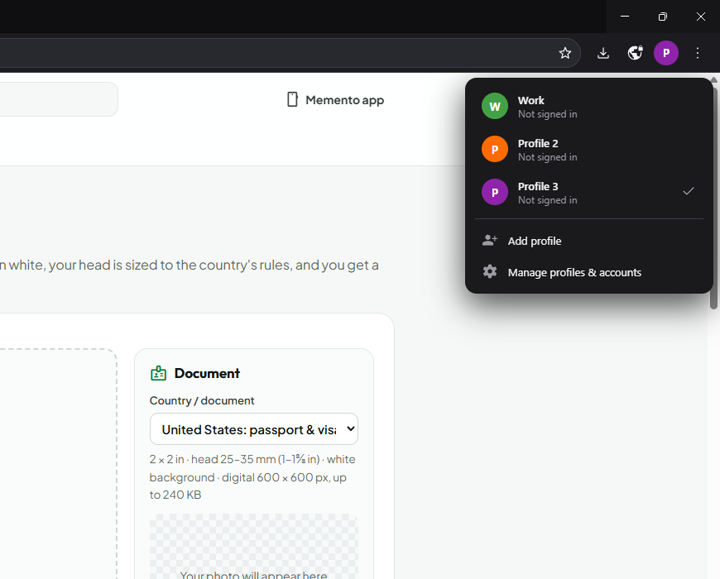
Multiple profiles
Switch between the people and purposes in your life — the profile picker is one click away.
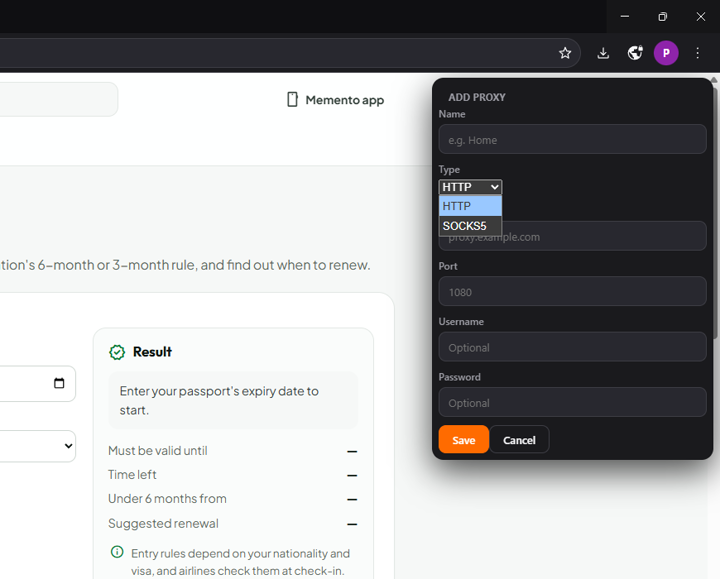
Proxy & VPN mode
Route a profile's browsing through your own SOCKS5 or HTTP proxy, saved and ready to switch.
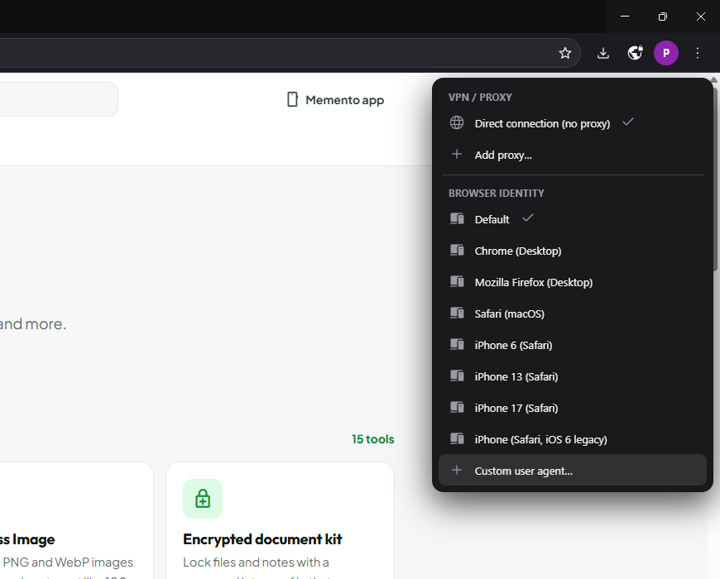
User-agent switcher
Change how sites see your browser — Chrome, Safari, iPhone and more, saved per profile.
PIN-locked profiles
Keep work, personal and shared browsing separate, each profile lockable with its own PIN.
Ad & tracker blocker
Pages load cleaner and faster, with zero analytics from Rapid+ itself.
Private password manager
Passwords stay encrypted on your device with the OS's own secure storage.
Install
How to install on Windows
- Download the installer and double-click it.
- If Windows shows "Windows protected your PC", click More info, then Run anyway.
- Choose an install folder (or keep the default), then finish. Open Rapid+ Browser from the Start menu.
Spec
| Version | 1.3.0 |
| File size | 107 MB |
| Requires | Windows 10 or 11, 64-bit |
| Publisher | HM Dev Studio |
| Price | Free, no account needed |